

Odoo app guide
Odoo Website & eCommerce: Catalogue, Orders & Fulfilment
Odoo Website and eCommerce can connect a public catalogue and online ordering with the business’s sales and operational records. A useful implementation aligns product information, prices, availability, payment and fulfilment. Ever Digital helps map that complete order journey. Local payment gateways, delivery services, marketplace connections and specialized B2B controls must be verified individually.
Official Odoo Partner · Ever Digital
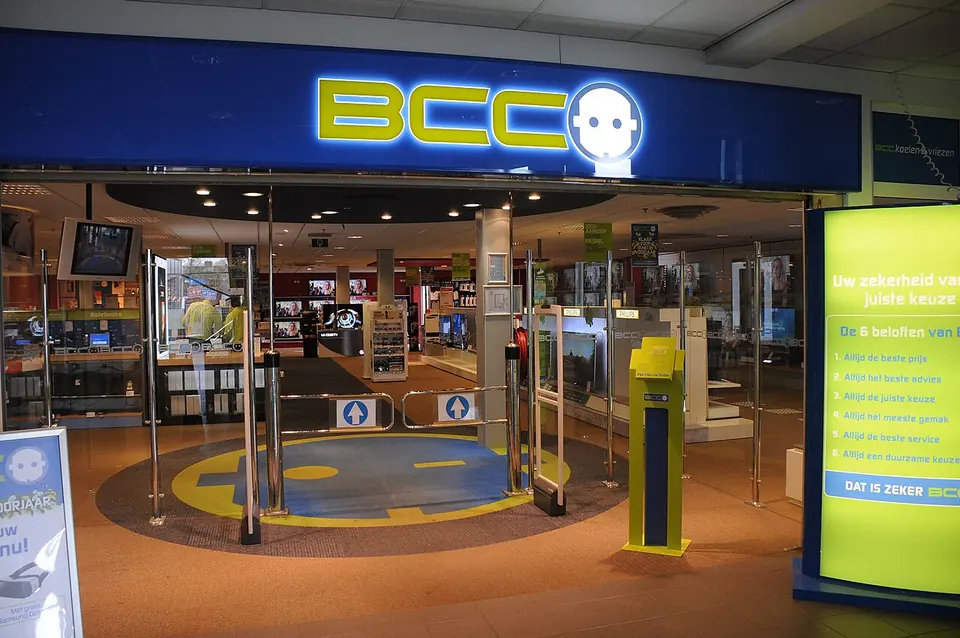
An online catalogue needs customer-facing product information.
Internal stock descriptions are often written for staff who already know the products. Online customers need understandable names, images, specifications and distinctions between variants. Decide which attributes help a customer choose and which require technical advice before ordering.
Identify who owns public descriptions and media rights. Keep product information consistent with what purchasing and warehouse teams recognize, while avoiding exposure of internal notes or supplier details that should remain private. A maintained catalogue is an ongoing business responsibility.
Design the complete journey after the buy button.
The storefront should make promises that the fulfilment and finance process can keep.
| Stage | Business decision | Test scenario |
|---|---|---|
| Selection | Which products, variants and prices are available to the customer? | Choose similar variants and confirm the correct operational product. |
| Checkout | Which customer, address, payment and delivery information is required? | Complete the intended customer journey with representative data. |
| Fulfilment | How are availability and dispatch commitments determined? | Handle an unavailable item or partial fulfilment without losing the order context. |
| After-sales | How are cancellation, return and refund requests reviewed? | Trace an exception through customer communication and the relevant records. |
Agree how online availability relates to physical stock.
A store may share stock with wholesale, counter sales or another branch. Decide which locations supply online orders and how competing demand is handled. A displayed quantity or availability message should reflect a defined policy rather than an assumption that every item in the company is immediately dispatchable.
Test incoming supply, reserved goods and a stock discrepancy. Assign responsibility for communicating an order delay. Connecting a website to inventory improves the information flow only when the underlying receipt, delivery and count processes are maintained.
Verify the exact payment and delivery services.
Payment-provider availability, supported currencies, account eligibility and the selected integration must be confirmed for the business. Demonstrate successful, failed, cancelled and pending payment states in the appropriate test environment. Do not use a generic gateway logo as proof that a local connection is available.
Delivery fees, geographic coverage and shipment status also need an explicit design. External carriers or local delivery services may require connectors or development. Define what happens when an external service is unavailable so an order does not silently become an unfulfillable promise.
B2B ordering may need a different commercial journey.
A wholesale portal is more than a retail shop with a different title.
- Customer-specific prices, currencies, minimum quantities and pack sizes.
- Account approval, access to the catalogue and visibility of commercial terms.
- Credit arrangements, purchase references and any required order authorization.
- Quotation-first products, technical configuration and orders that cannot be priced automatically.
Pilot the order and exception cycle before inviting customers.
Prepare a focused catalogue and test it on desktop and mobile. Follow the order into sales, stock and finance, then test cancellation or return according to the agreed policy. Check customer emails, address handling and the clarity of the next step when a payment or delivery choice fails.
Ever Digital can assess whether an Odoo storefront or an integration with an existing website best fits your operation. Bring your catalogue, fulfilment policy and intended payment and delivery providers. The recommendation should follow the complete business workflow and the verified capabilities of those services.
Questions businesses ask
Can an Odoo shop share products with the ERP?
Odoo eCommerce is designed to work with connected business applications. Product publication, pricing, stock and fulfilment settings must still be configured and tested.
Are all Iraq payment gateways supported?
No blanket support claim is made. Verify the exact provider, currency, merchant eligibility and available integration before choosing the checkout design.
Can we keep our existing website?
That depends on the required integration and ownership of catalogue, stock and orders. An assessment should compare the complete workflow and maintenance implications.
Is a B2B portal the same as a public retail shop?
No. Account access, customer prices, credit terms, pack sizes and approval requirements may change the design substantially.
Sources and factual scope
Capabilities checked against official Odoo documentation. These are planning examples, not promises that every feature is included in a Starter package.
Reviewed:
Ever Digital
Bring your real workflow to the conversation.
Tell us how you sell, stock, deliver or service. We will identify the standard apps, decisions and any extensions your implementation needs.
View Starter packages Current implementation fees and included scope are maintained on the Starter package pages. Odoo licences, hosting and custom work are separate.