

Manage the business behind technical delivery
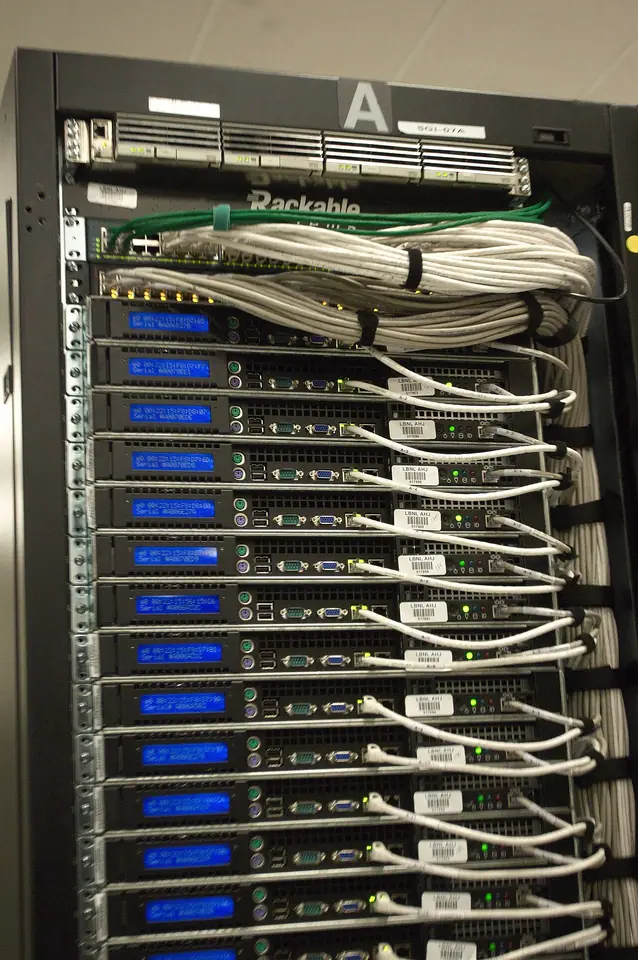
IT companies, managed-service providers, network installers and telecom contractors need commercial follow-up, equipment supply and site-service records. Separate the customer’s quoted change from ongoing support obligations. A technical equipment supplier may emphasize Trade, while an installation/service team may emphasize Field. The shared customer context connects the relationship without pretending every IT business has the same workflow.
Where to begin
Start with the workflow your team repeats most often. Review a real enquiry, an order and a service job with Ever Digital, then choose the products that cover that work. Keep specialist requirements explicit during scoping.
Records and decisions to prepare
Bring an equipment quotation, a site installation work order and a follow-up support request to the demo. Verify ownership of customer IDs, product codes, attachments and any existing ticketing or accounting records. Ever’s service workflow is not advertised as RMM, endpoint protection, network monitoring or a telecom billing engine. Keep credentials and private network diagrams outside public examples.
- 1Customer & site
- 2Service request
- 3Work order
- 4Schedule & team
- 5Evidence & completion
- 6Maintenance history
A business workflow illustration. Confirm your selected products and configuration in a demonstration.
A practical AI question
Sales AI can summarize account commitments, while Field AI can prepare the next site-service brief. Document intelligence can assist with reviewed data preparation; permissions and source access still apply.
Connect existing systems deliberately
Keep a clear owner for customers, products, stock and posted finance if an ERP remains in use. Ever Connect supports integration planning; the Odoo connector is Coming Soon. Request a scoped custom connection when a business need cannot wait. Use the linked solution for the recommended product combination and the public guides to prepare a realistic demo.
Your questions, answered
Which Ever products should this business choose?
Choose around the workflow: Sales for CRM/quotations, Solar for solar projects, Field for service work and Trade for purchasing/distribution. The linked solution explains the combination; capacity and access rules still apply.