

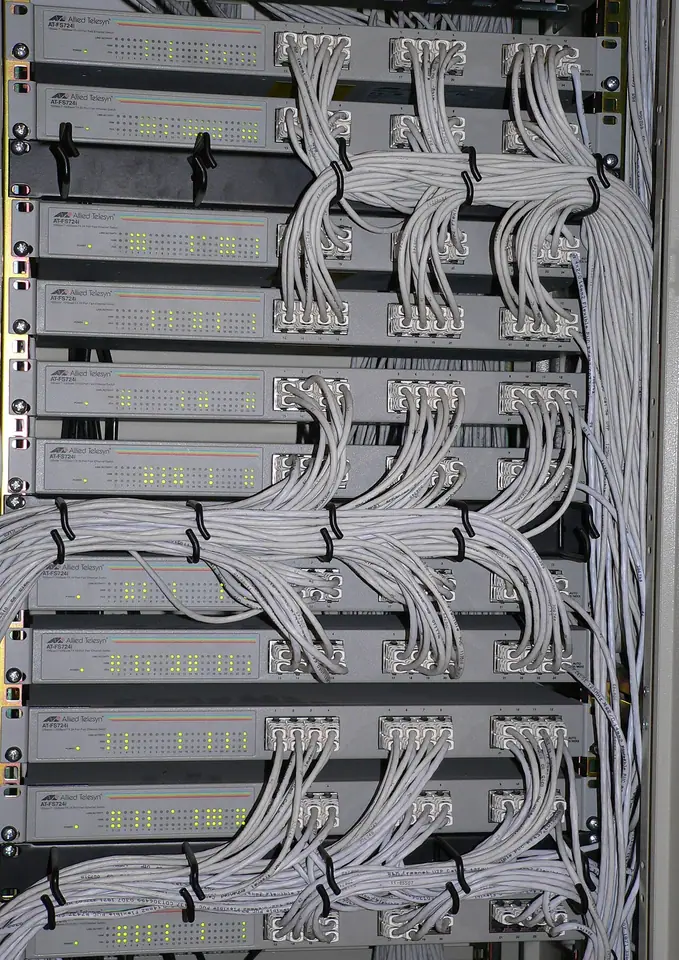
Connect the proposal to the installed network and support work
IT and network integrators deliver equipment, installation and ongoing support. Quotations may change after a site survey, and a support technician needs to know what was supplied and what work was agreed. This solution connects customer opportunities to generic field work and service history, with optional Trade for a separate hardware purchasing and distribution business.
From enquiry to completed work
Use Sales to manage discovery, B2B quotations, revisions and customer follow-up. Field manages site installation and service requests, work orders, technician/team assignments, checklists, files and completion. Trade can add stock, supplier RFQs, purchase orders and customer deliveries for switches, computers or other equipment. Keep support scope and billable changes explicit.
- 1Customer & site
- 2Service request
- 3Work order
- 4Schedule & team
- 5Evidence & completion
- 6Maintenance history
A business workflow illustration. Confirm your selected products and configuration in a demonstration.
Recommended products and why
Combine Ever Sales + Ever Field. Choose the package that matches the number of business products you need. Ever AI is included without taking a slot, and all packages support unlimited users. Product choices open workflows; roles still control who can use them. Add capacity separately when storage, credits or other allowances need to grow.
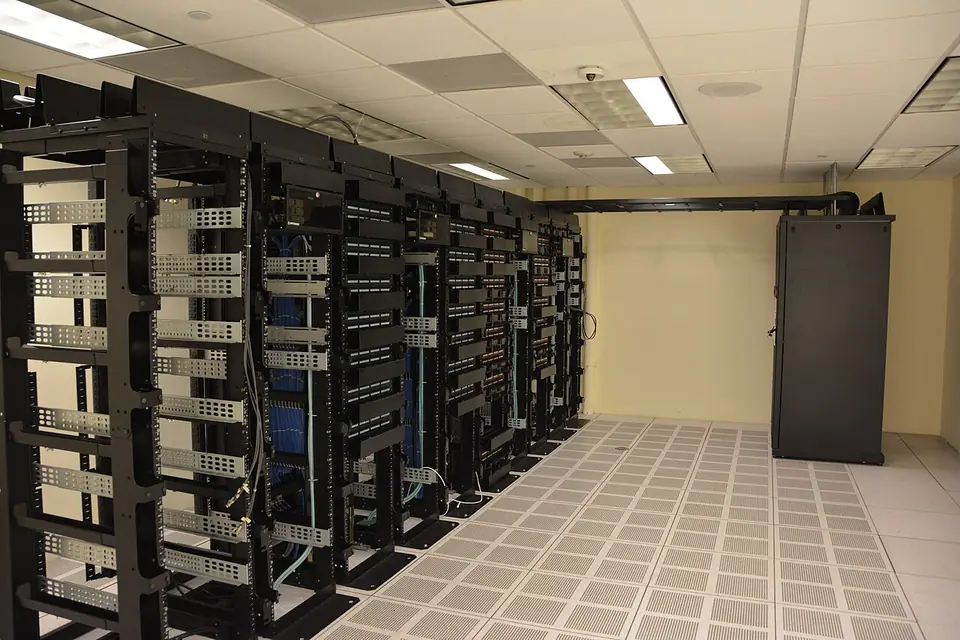
A representative workflow to test
A customer expands an office network. Keep the revised equipment quotation and site work order linked, check material readiness and assign the installation team. Retain approved handover files and follow-up findings in authorized records. Do not publish network credentials or private diagrams. A support visit should distinguish a warranty issue from a new change request and retain the customer’s agreed scope.
An AI example grounded in the work
Use Sales AI for an account/opportunity summary and Field AI for a site-service brief. Document/import assistance can help prepare clean records for review. This does not make Ever a network-monitoring, remote-device-management or cybersecurity platform.
Plan the connection and the rollout
If an ERP or accounting system remains in use, agree who owns customer IDs, products, stock movements and posted financial entries. Start with a limited, testable data flow and a reconciliation owner. Odoo is Coming Soon; a custom connection can be scoped through Ever Connect. Bring one realistic synthetic workflow, current documents, user roles and an exception case to the demo so the proposed setup can be reviewed end to end.
Your questions, answered
Is Ever an RMM or network-monitoring tool?
No. It organizes the commercial and service operation. Device monitoring, remote management and security tooling require their own systems and any connection must be scoped separately.
Can we start without an ERP connection?
Yes. Ever can run the selected operational workflows standalone. Treat an ERP connection as a separate scope with explicit data ownership, credentials, testing and acceptance.