

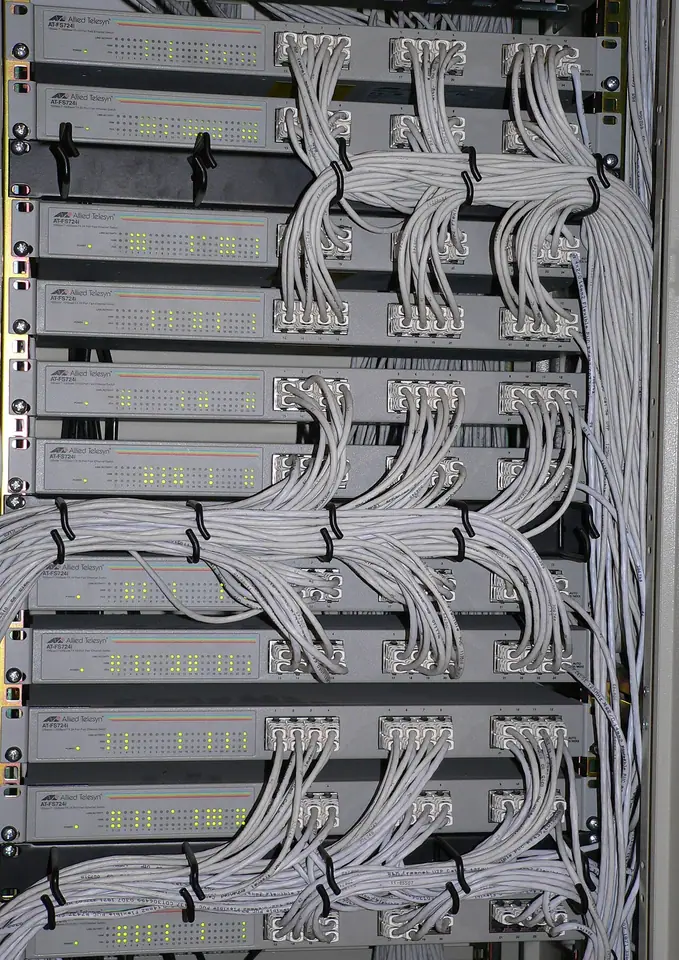
Keep the site survey, equipment and service history together
CCTV and security integrators sell a system, install it across a site and support it after handover. Camera locations, recorders, access-control components and agreed scope can change between survey and installation. This solution gives the commercial and technical teams a shared job history while keeping sensitive customer security information inside authorized business records.
From enquiry to completed work
Sales handles the enquiry, site-visit follow-up and quotation revisions. Field manages installation work orders, team assignments, checklists, evidence, handover-related attachments and later service requests. Add Trade for a separate camera/network-equipment stock and dealer-sales operation. Keep product identities and the agreed scope linked so an installer can distinguish a revised camera model from an outdated quote.
- 1Customer & site
- 2Service request
- 3Work order
- 4Schedule & team
- 5Evidence & completion
- 6Maintenance history
A business workflow illustration. Confirm your selected products and configuration in a demonstration.
Recommended products and why
Combine Ever Sales + Ever Field. Choose the package that matches the number of business products you need. Ever AI is included without taking a slot, and all packages support unlimited users. Product choices open workflows; roles still control who can use them. Add capacity separately when storage, credits or other allowances need to grow.
A representative workflow to test
A customer adds access control to an existing CCTV installation. Record the new quotation and work scope, check required components and schedule the responsible team. Retain completion evidence and service findings with the customer/site. Do not place passwords, live camera feeds or private security drawings in public website examples; a demo should use synthetic records and sanitized attachments.
An AI example grounded in the work
Ask Sales AI to summarize the agreed commercial changes and Field AI to prepare the next service brief. Review source documents and permissions before using the summary. AI is not a security monitoring or threat-detection service.
Plan the connection and the rollout
If an ERP or accounting system remains in use, agree who owns customer IDs, products, stock movements and posted financial entries. Start with a limited, testable data flow and a reconciliation owner. Odoo is Coming Soon; a custom connection can be scoped through Ever Connect. Bring one realistic synthetic workflow, current documents, user roles and an exception case to the demo so the proposed setup can be reviewed end to end.
Your questions, answered
Does Ever monitor camera feeds?
No. The solution manages sales, installation/service work and relevant business records. It is not advertised as a video-management or security-monitoring platform.
Can we start without an ERP connection?
Yes. Ever can run the selected operational workflows standalone. Treat an ERP connection as a separate scope with explicit data ownership, credentials, testing and acceptance.