

01
Disconnected handoffs
A lead in one place. A quote in another. A job update that never reaches the office.

 Ever Field
Ever Field
Plan, dispatch and complete service work with the customer, site, technician and evidence connected. Ever Field manages generic jobs, work orders, materials, warranty and recurring maintenance with Field AI.
01
A lead in one place. A quote in another. A job update that never reaches the office.
02
Connect the customer, the next action, the stock and the service history around the work.
Ever Field is field service and maintenance management for technical teams. Start with the customer and site, record the request and create a generic job or work order. Dispatchers, technicians and the office can follow assignment, readiness, evidence and completion in the same context. A job does not need a solar installation: HVAC, electrical, security, generators, equipment service and facilities teams can use their own service workflow.
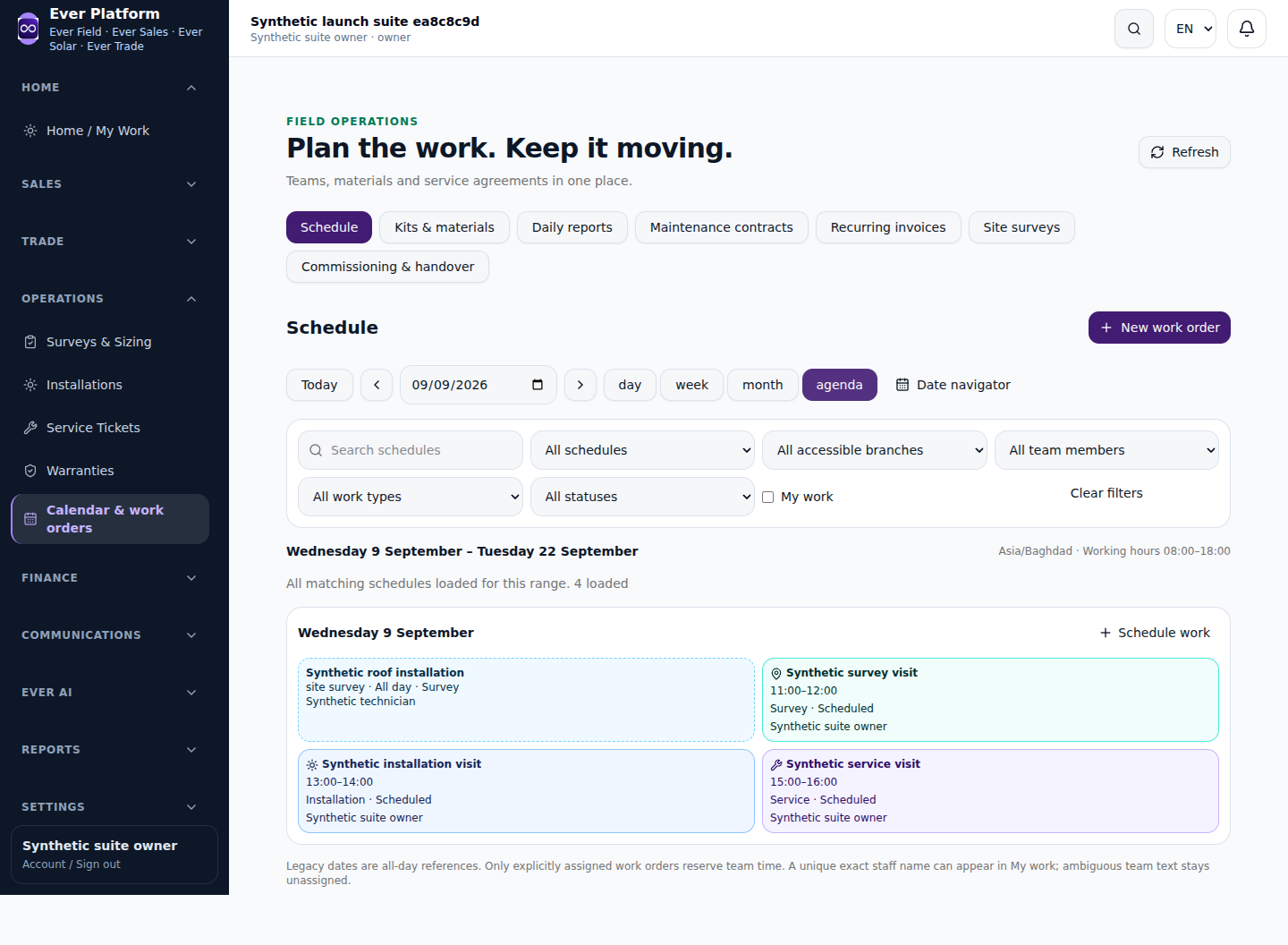
Turn a request into an actionable work order: identify the site, scope, responsible technician or team and planned visit. Calendar and scheduling views help the dispatcher compare commitments and available context. An emergency callout needs an explicit assignment and an updated plan for affected work. Confirm changes with the responsible team; scheduling software does not imply route optimization or an automatic promise to the customer.
A responsive technician view should make the job, checklist, attachments and service history easy to consult. Capture site evidence and completion notes against the work order so the office can review what happened. Keep required checks explicit: a photograph can support the record but does not replace a safety procedure, certification or technical sign-off. Mobile web access requires a suitable connection; do not assume offline synchronization.
Link material requirements and applicable usage/returns to the job. Review the evidence and remaining tasks before completion. For billable work, prepare the related billing draft and let an authorized person check the commercial outcome. Keep warranty and non-billable visits distinguishable from chargeable work. This creates a more useful service history than a closed task with no explanation of parts, work performed or billing responsibility.
Use maintenance and AMC records to plan repeat service around the customer/site relationship. Recurring visits begin as drafts for review, assignment and scheduling. Preserve earlier findings and warranty links so the next technician can understand repeat faults and prior work. A seasonal HVAC visit, a generator service and a CCTV inspection can use distinct checklists while sharing the same request-to-completion structure.
Ask for a service-history summary before dispatch, a concise account of completed work, or questions to resolve before the next visit. Field AI uses the records and domain tools your account can access. Review its source references, prepared wording and proposed action. It cannot expand a technician’s permissions or replace a qualified assessment of equipment, safety or service completion.
Bring representative job types, checklists, maintenance intervals, a sample site/equipment list and your completion/billing rules. Test an urgent request and a planned visit, including an incomplete job and a material return. Choose Sales for structured enquiries and quotations or Trade for a broader purchasing/distribution operation. Agree ERP accounting ownership separately; the standard Odoo connection remains Coming Soon.
No. Ever Field supports generic service jobs and work orders with their own customer/site context.
Recurring maintenance creates drafts to review and schedule. Confirm the scope, availability and assignment before committing the visit.
The responsive web interface supports appropriate mobile workflows. Confirm the required screens and connectivity in a demo; offline operation is not claimed.

