

Getting started with Ever Platform
Start with a company account and one real business workflow. Creating an account does not activate a product; the company needs an active subscription with the products required for its work.
Follow the workflow
- Sign in to the intended company and complete any required password change.
- Check the active products and subscription in your account before entering operational data.
- In Settings, review company language, currency and Team & access with the company administrator.
- Create a small customer and product sample, then follow one quotation, service job or order through its supported stages.
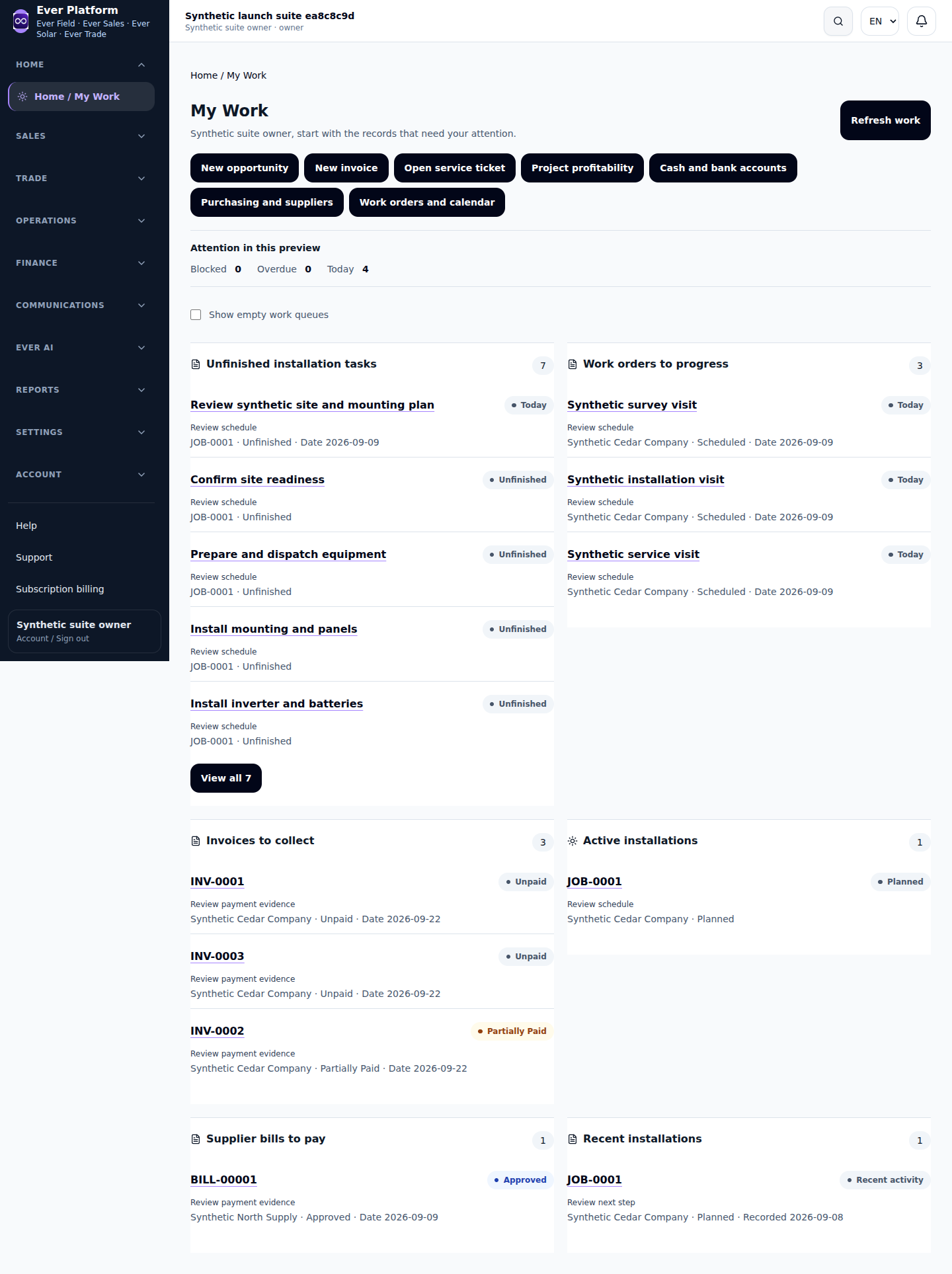
- Use Home to return to assigned work and review what needs attention.
Before you continue
If a workspace is missing, confirm the company, subscription, selected products and role. Repeated signup creates another account; it does not repair access to the first one.
Your questions, answered
Does signup include product access?
No. Product access follows the active company subscription.