

Display currency and your billing agreement
WordPress displays the current offer supplied by Ever Platform. The viewing country and currency help you compare that offer; your actual billing country, payable currency and agreed amount are confirmed in Platform checkout.
Follow the workflow
- Choose the viewing country and supported currency on Pricing.
- Read the current package, billing period, included products and allowances.
- Continue to Platform and confirm the actual company billing details.
- Review the final invoice currency and amount before using an available payment method.
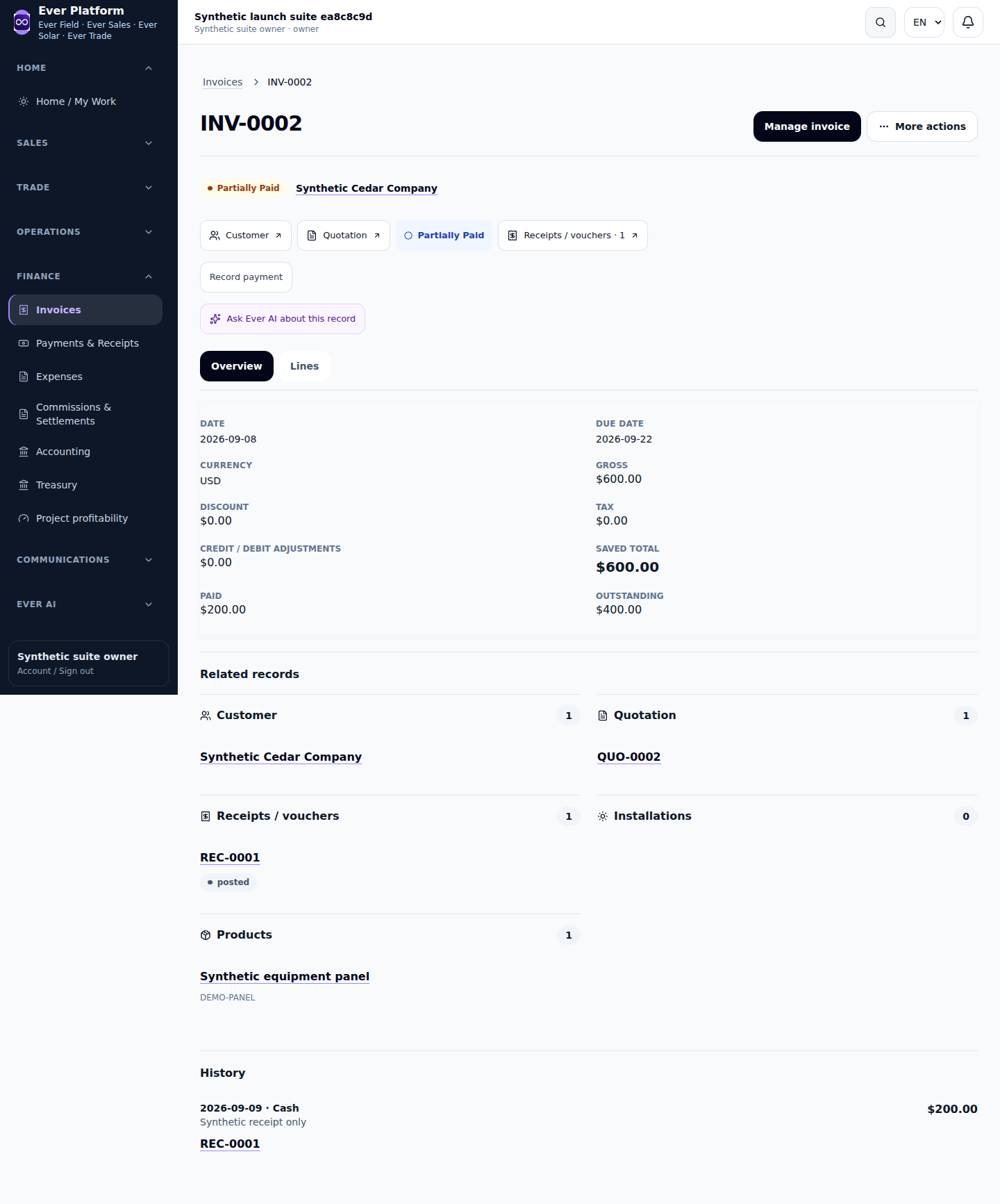
- Retain the invoice reference; compare an existing subscription with its own agreement, not a later public offer.
Before you continue
No rate should be invented from a screenshot or external calculator. Subscription documents identify the seller as Ever Digital for General Trading and Computer Programs Ltd.
Your questions, answered
Does changing display currency convert my old invoices?
No. Existing invoices retain their document currency and recorded amounts.