

Checkout and subscription activation
Choose a currently available offer, review its products and complete the supported Platform payment flow. An account, redirect or payment screen alone does not establish product activation.
Follow the workflow
- Review package eligibility, selection rules and the current billing period.
- Continue to platform.ever-digital.com and sign in to the correct company.
- Confirm the authoritative offer and final invoice before payment.
- Retain the payment and invoice references shown by the available flow.
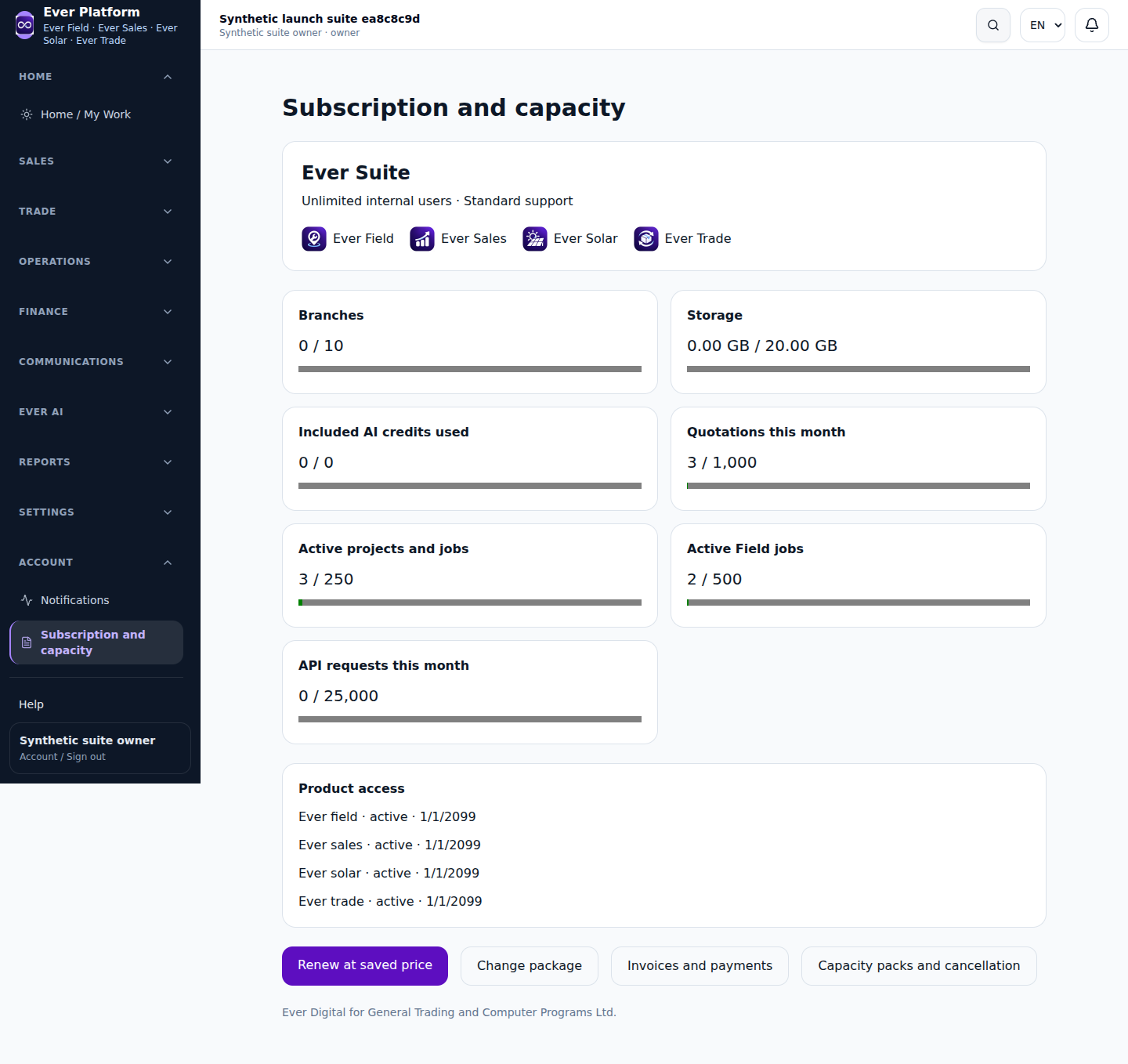
- Check the resulting subscription and product access in your account.
Before you continue
If a payment appears complete but access is pending, use private support with the reference. Avoid another payment until the first status is checked. Available methods depend on current provider readiness.
Your questions, answered
Is a return from the payment page proof of activation?
No. Check the server-confirmed subscription status and product access.