

Find your work in Ever Platform
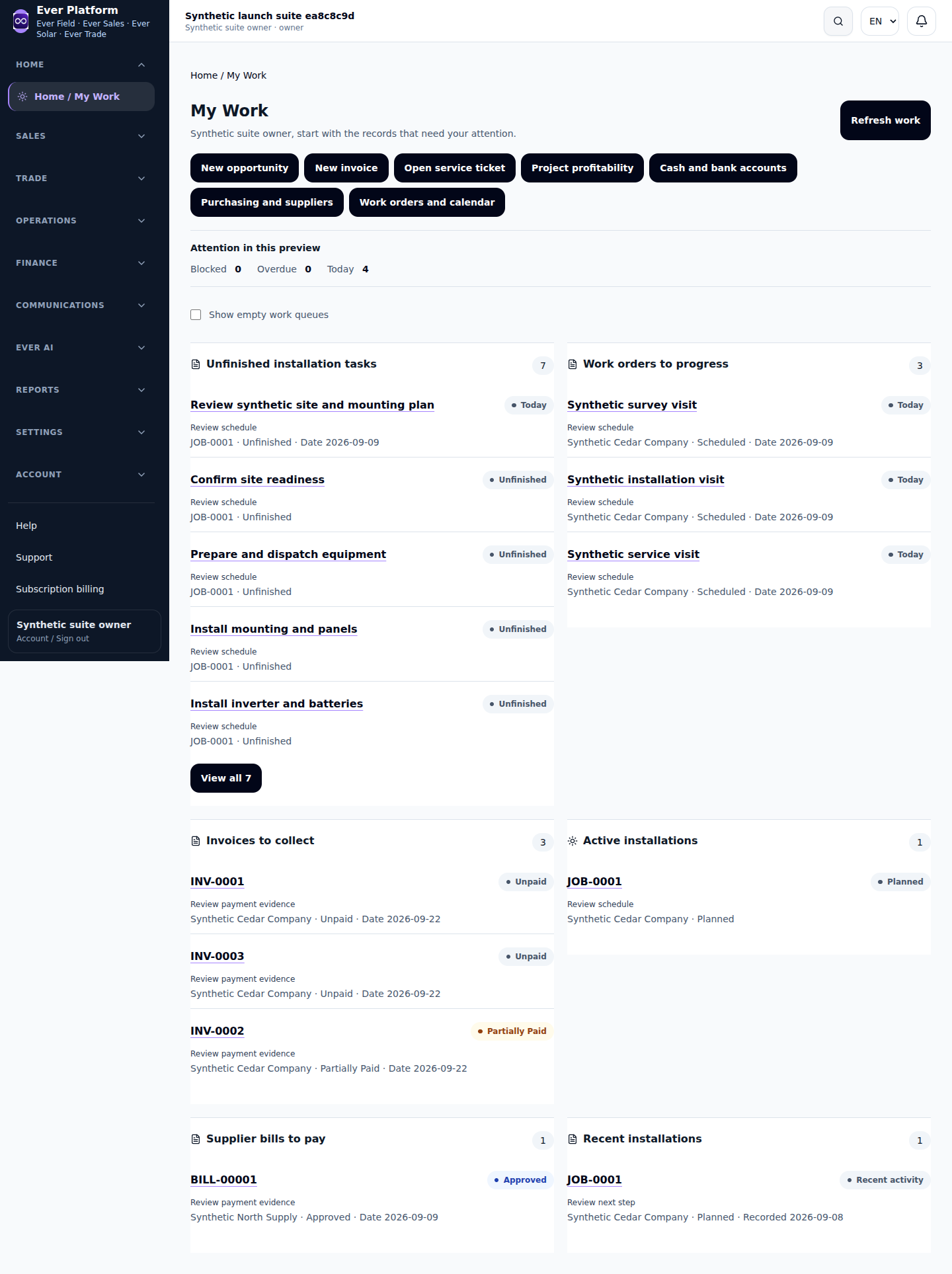
Home brings together work that needs your attention. Product and workspace navigation reflects the company’s active products and your role, so two team members may see different destinations.
Follow the workflow
- Start at Home and open an assigned item or relevant creation shortcut.
- Use product navigation to move between Sales, Solar, Field and Trade where active.
- Use a workspace’s local tabs and filters to narrow records without creating a second copy.
- Open a record for full details and use its related links for the next handoff.
- On mobile, open the navigation menu and close it after choosing the destination.
Before you continue
Workspace search finds navigation destinations; it is not a promise to search every business record. Use the relevant list’s search for customers or documents.
Your questions, answered
Why is a bookmarked workspace denied?
Its product, role or record access may have changed. Check your account and return through current navigation.