

Troubleshooting common workspace problems
Start with the visible error and the record you were using. A missing permission, stale revision, business-state check, capacity limit and provider outage need different responses.
Follow the workflow
- For access denied, confirm the company, active products, role and applicable branch.
- For a changed record, reload and review the current values before saving again.
- For a blocked completion, follow the checklist or document-state message rather than recreating the record.
- For a capacity warning, identify the exact allowance and its period.
- For payment or AI uncertainty, keep the reference and check status before another request.
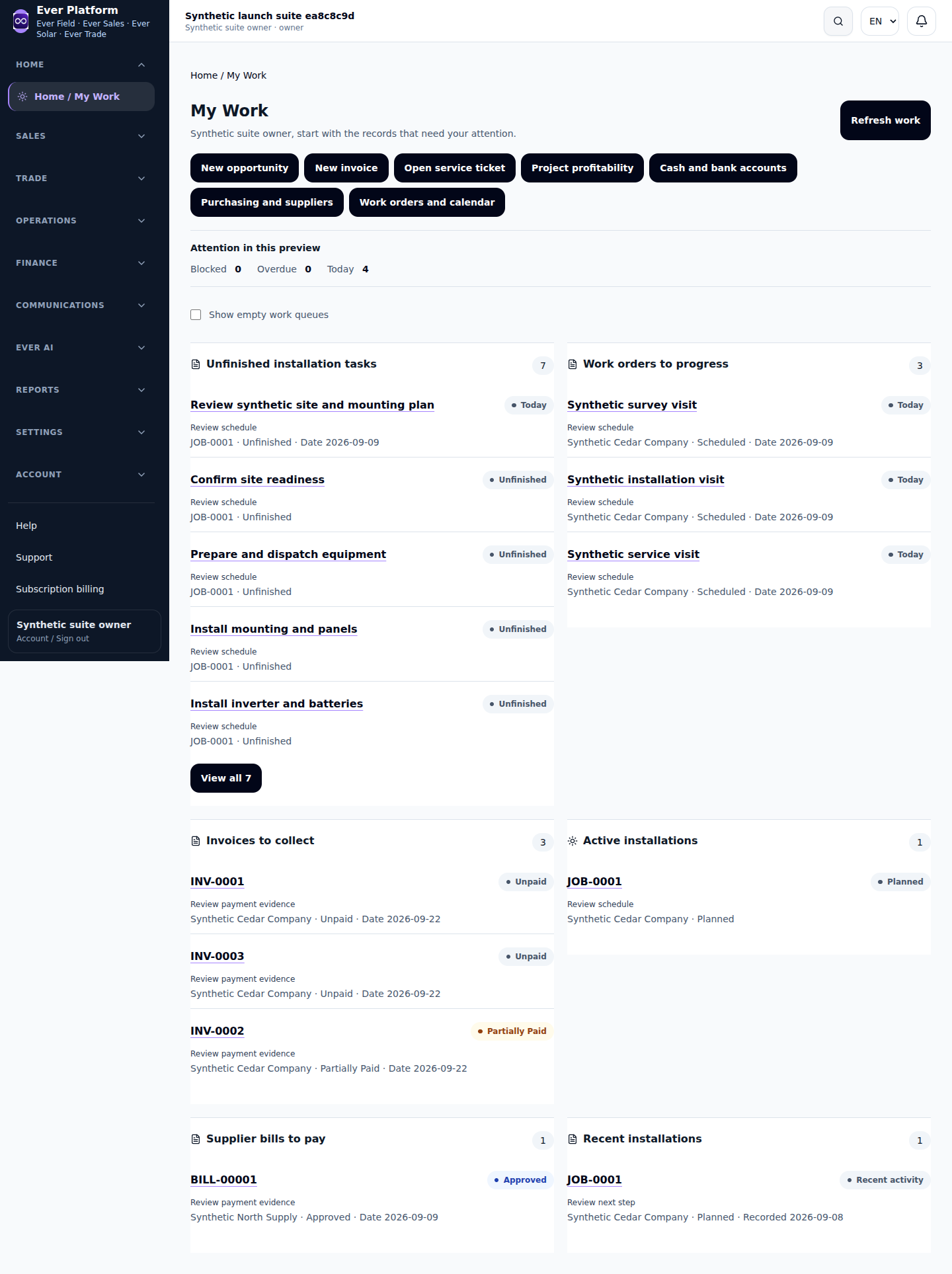
Before you continue
Private support is most useful with the page, reference, expected outcome, actual result and a sanitized screenshot. Never send passwords, session cookies, payment secrets or an unneeded customer export.
Your questions, answered
Should I keep clicking a failed payment or save button?
No. Check the current result first; repeated actions can obscure the original issue.