

AI included and purchased credits
Ever AI access and available credits are separate. Your wallet distinguishes included credits from purchased credits, and an available feature shows its credit requirement before the request.
Follow the workflow
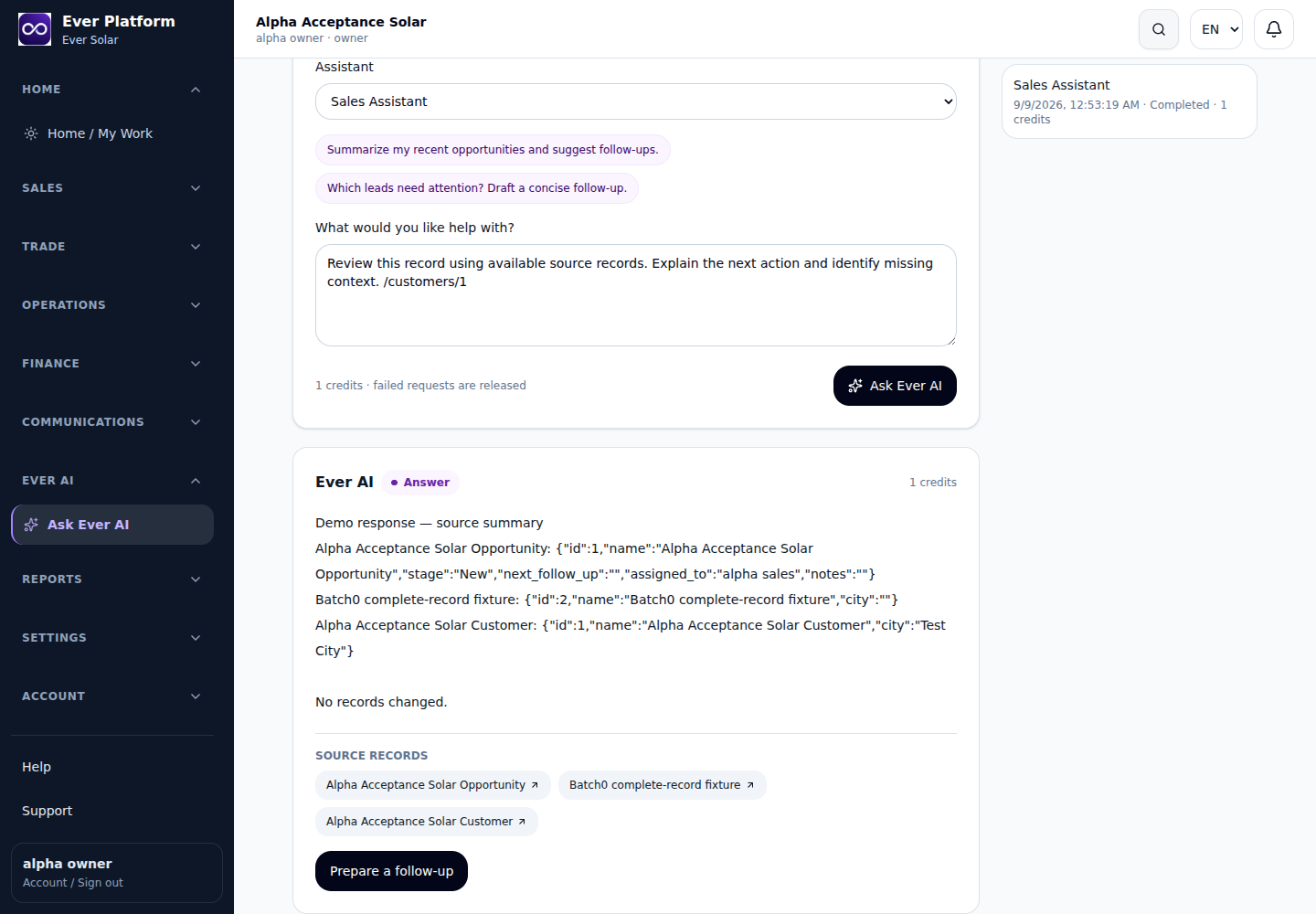
- Open Ever AI and inspect included and purchased balances.
- Read the chosen feature’s credit requirement and current availability.
- Submit one request and allow its status to finish before retrying.
- Review completed, failed or pending requests and the credit history.
- For additional credits, review an available pack and its payment state; requesting a pack is not a funded balance.
Before you continue
Included credits are used first. Included renewal follows the subscription’s monthly boundary; purchased credits remain separate. Final allowances and prices must come from the current agreement and available pack.
Your questions, answered
Does a failed provider request keep its reserved charge?
The supported failure flow releases the reservation. If the status remains unclear, use the request reference in private support.