

Review AI drafts and product imports
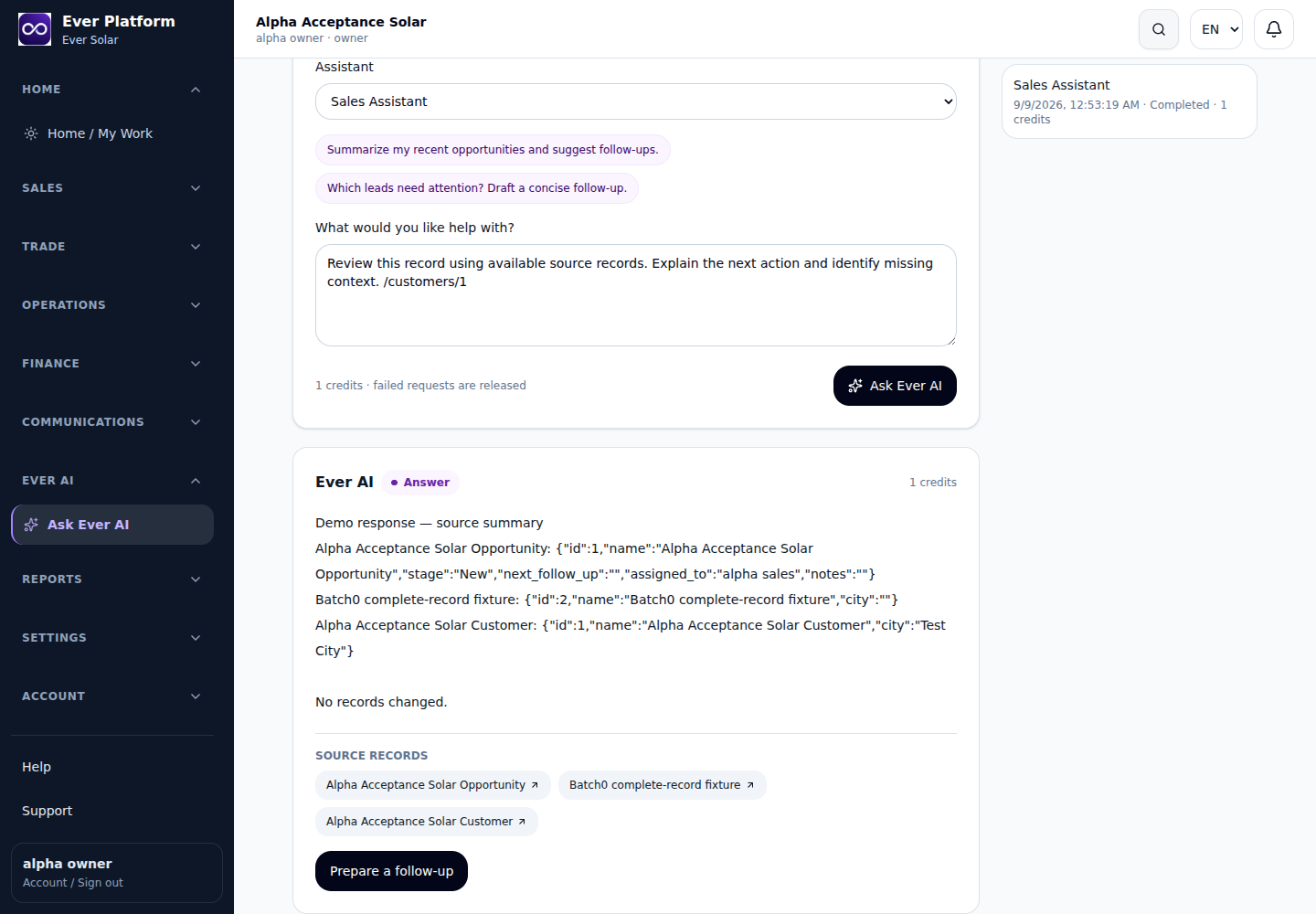
AI preparation supports selected draft and catalog workflows. The review shows proposed fields and calculated totals before an authorized confirmation; preparation itself does not post a financial document.
Follow the workflow
- Choose an available draft type that your role may create.
- Review the customer/opportunity or supplier, date, currency and every line.
- For CSV or XLSX products, map columns and check SKUs, units and entered prices.
- Prepare the proposal, read its preview and correct issues before confirming.
- Open the created draft or catalog record and complete its normal business review.
Before you continue
Source changes, expired reviews, duplicate SKUs or lost access can block confirmation. Prepare a fresh review rather than reusing a stale approval. Imported spreadsheet formulas are not accepted as product values.
Your questions, answered
Does confirming an invoice-related draft collect money?
No. The resulting draft follows its ordinary issue, posting and payment controls.