

Suppliers, purchase orders and receipts
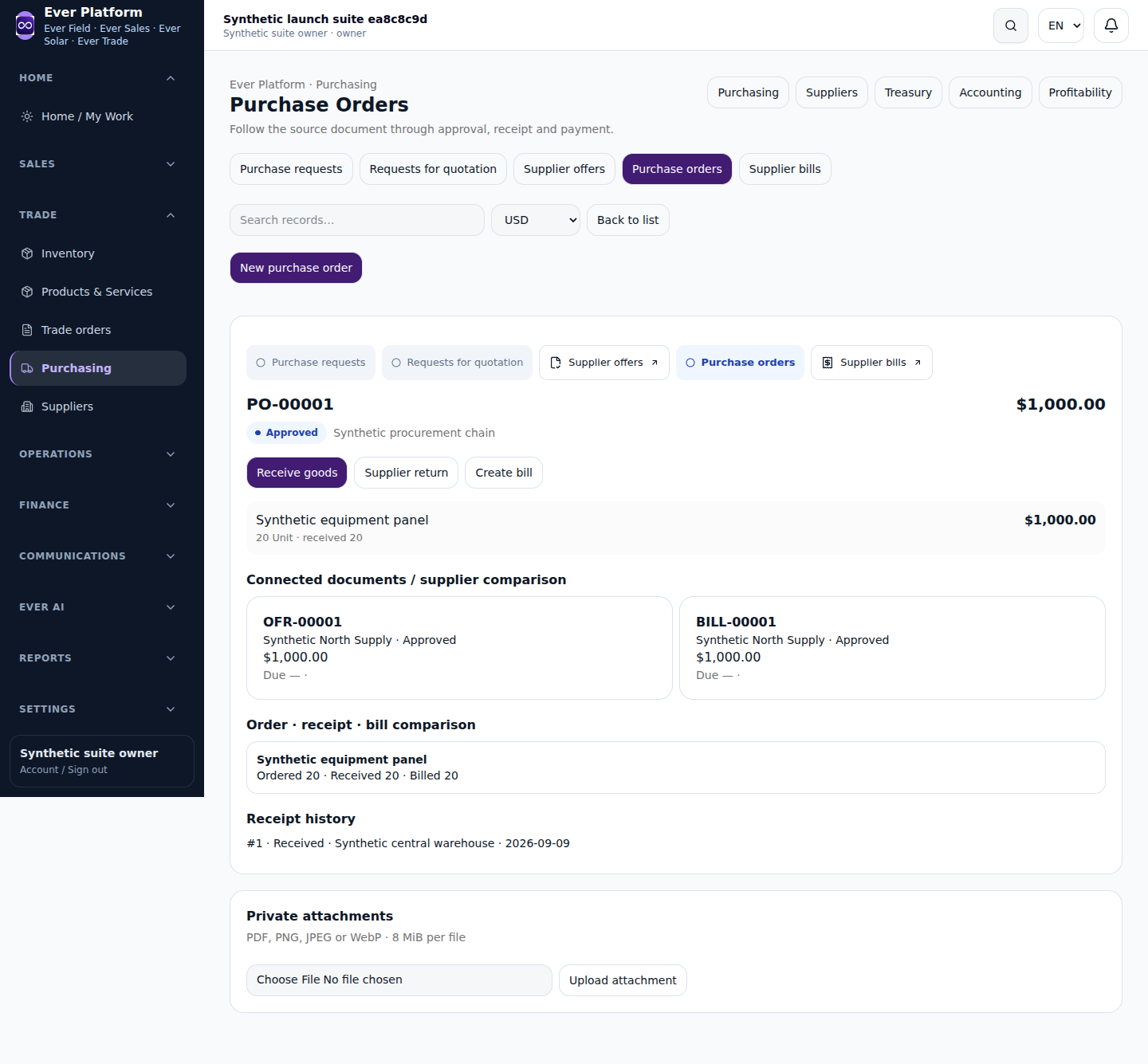
Purchasing connects the supplier, request or RFQ, offer, purchase order, receipt and supplier bill. Each document has a different purpose; a confirmed order is not proof that stock arrived or money was paid.
Follow the workflow
- Find or create the correct supplier with reviewed contact and currency details.
- Prepare the request or RFQ and compare available offers where your role permits.
- Review purchase-order lines, units, prices and source references before confirming.
- Record only the received quantities into an authorized warehouse.
- Review the supplier bill and payment separately, and retain return references when goods are sent back.
Before you continue
A receipt must follow the order’s supported quantity rules and warehouse access. Retrying a completed receipt should not be treated as permission to receive the goods twice.
Your questions, answered
Can a project manager see every supplier financial document?
No. Purchasing roles and document types have separate read and write rules.