

Prepare, review and accept a quotation
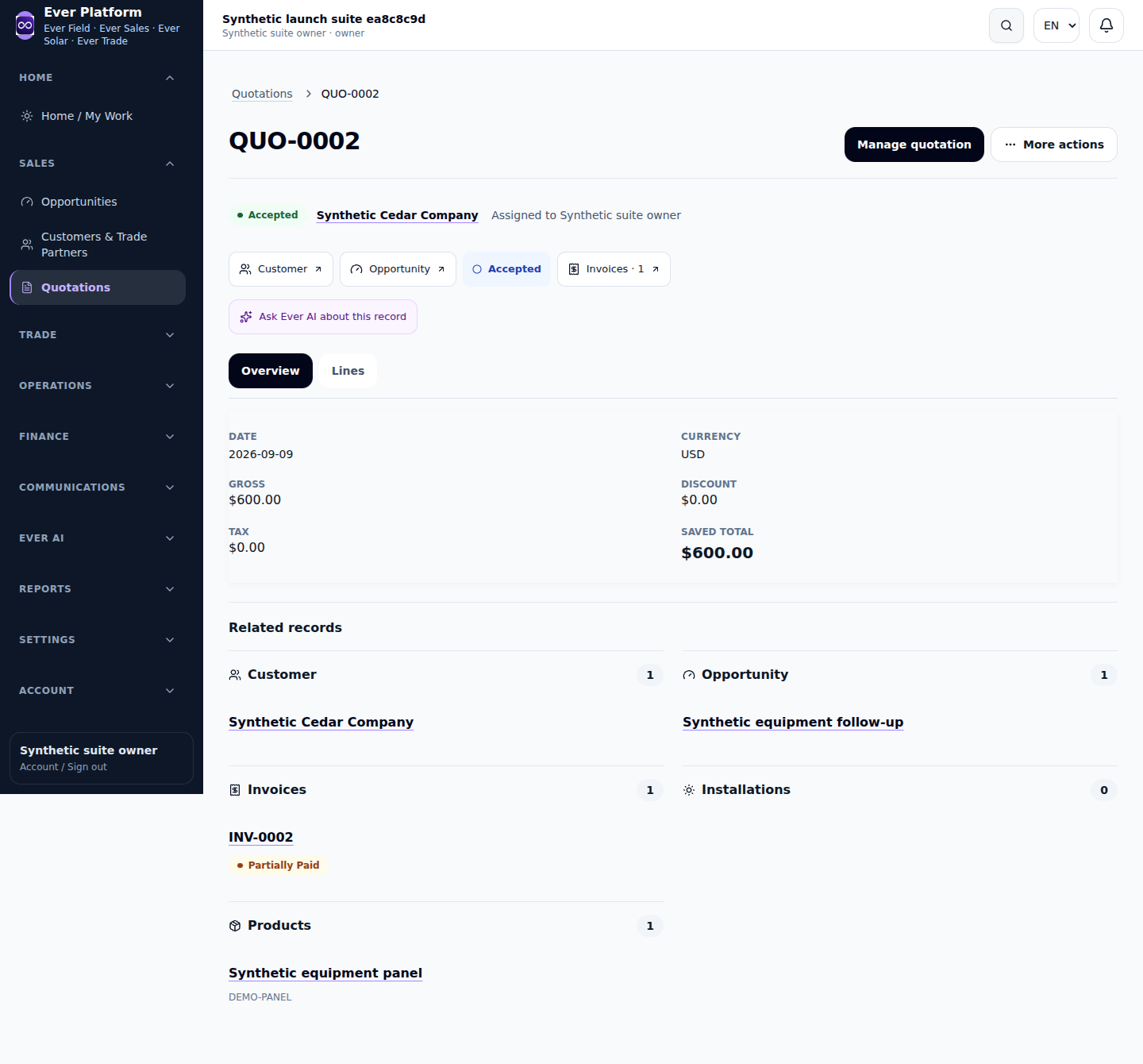
A quotation captures the customer, scope, currency, quantities, prices and intended fulfillment. Review the final document and acceptance outcome before committing the next team to work.
Follow the workflow
- Start from the correct customer or linked opportunity.
- Review line descriptions, units, quantities, discounts, tax and document currency.
- Save the draft and inspect the complete detail or print view.
- Choose the available fulfillment path that matches the agreement and active products.
- Use the supported acceptance action once, then open the linked invoice, installation, work order or Trade order that was actually created.
Before you continue
Acceptance does not always mean the same delivery workflow. If the record changed, reload and review its current revision; do not force a second acceptance or recreate linked documents.
Your questions, answered
Why do line units matter?
Document units and conversion ratios are saved with the line. Check them before acceptance instead of assuming the current catalog unit rewrites history.