

Ever Field: schedule and complete a work order
A work order brings the customer, visit, assigned team, checklist and evidence together. Generic service work is available through Field; Solar-specific work still needs the relevant active product.
Follow the workflow
- Create or open a work order for the correct customer and service type.
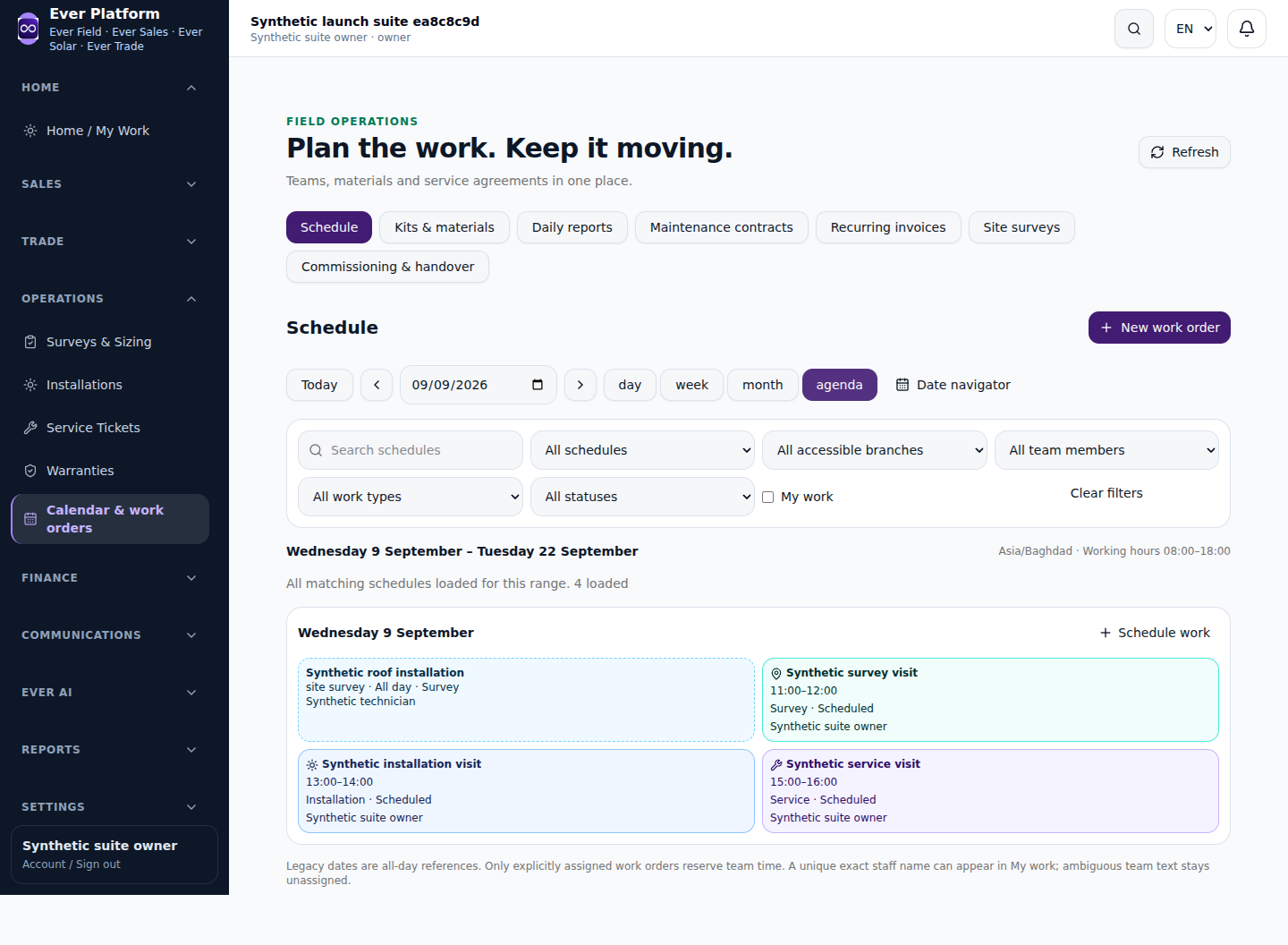
- Set the date, start/end time and authorized team members.
- Review overlapping appointments before confirming the schedule.
- During the visit, record checklist progress, notes, materials and supported evidence.
- Finish the required checks before marking the work complete, then review billing and service follow-up separately.
Before you continue
A completed checklist does not itself collect payment. A work order linked to a quotation preserves that source, and billing must keep the agreed currency and existing invoice relationship.
Your questions, answered
Why is a team member unavailable at this time?
An overlapping scheduled or in-progress work order can block the booking. Review the actual calendar before changing the assignment.