

Customers and linked commercial history
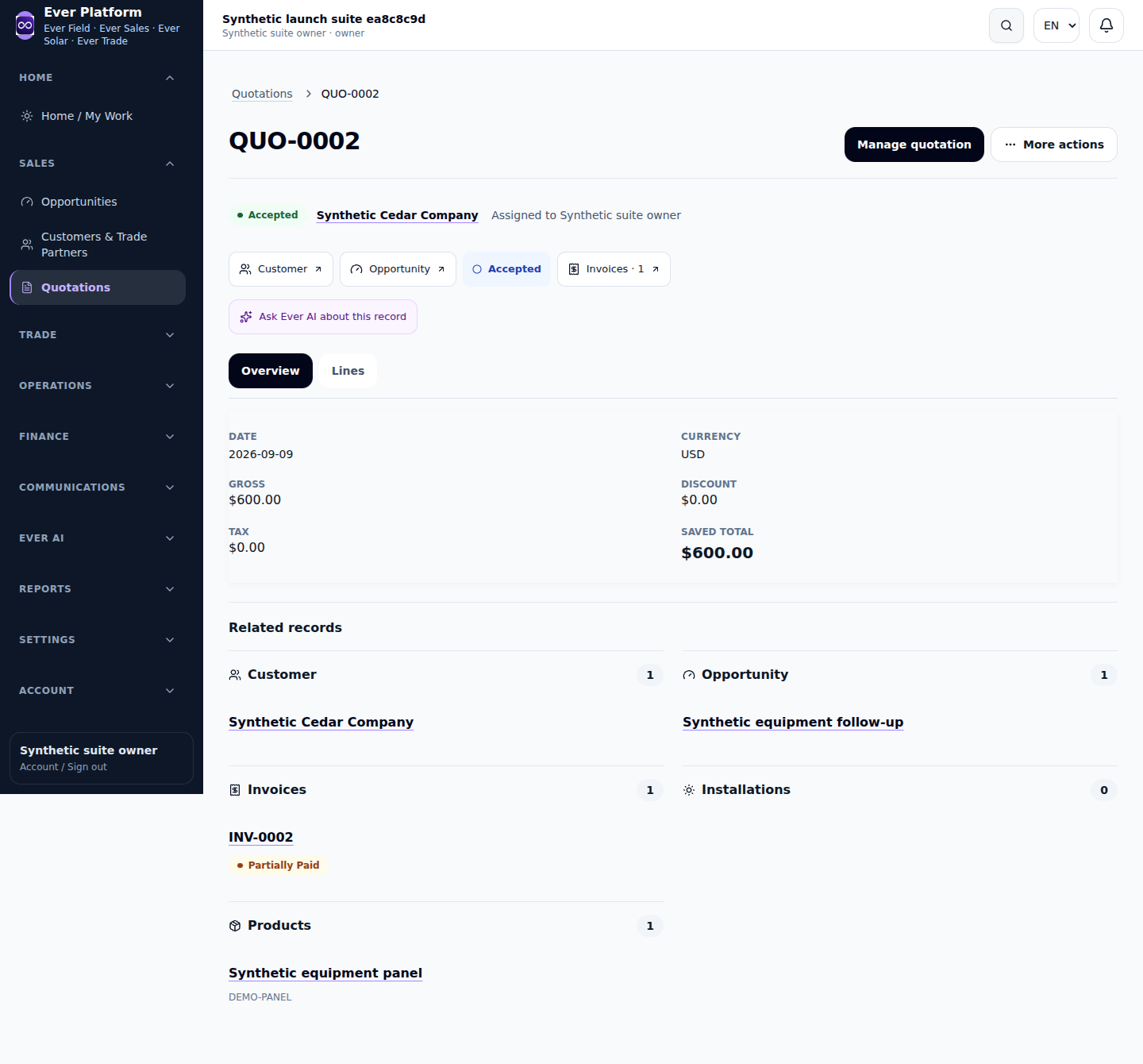
Use one customer record for the same business relationship. Opportunities and documents link back to that customer, while the visible related history follows your current access.
Follow the workflow
- Search the customer directory before creating a new customer.
- Review contact information, address and business references for accuracy.
- Open the customer to inspect permitted opportunities and documents.
- Create the next item from the correct customer context when available.
- Archive an inactive relationship through the supported action rather than deleting linked financial history.
Before you continue
Seeing a customer does not automatically grant access to every linked invoice, file or project. Missing related sections can reflect product or role restrictions.
Your questions, answered
Should I create separate customers for each product?
Use the shared customer when it is the same relationship; product work links to that record.